DATABASE: Updating MagDB
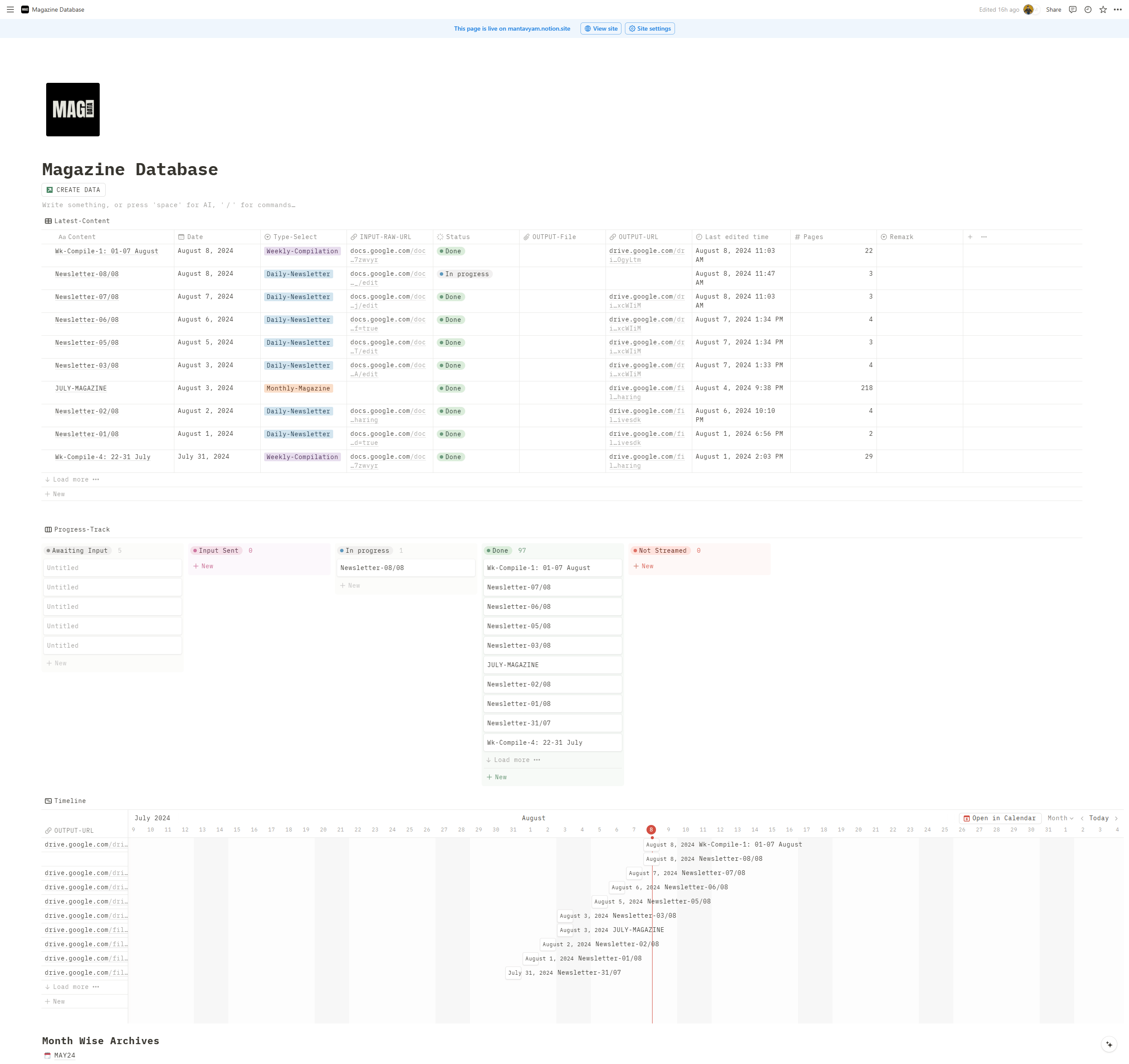
View of Database:
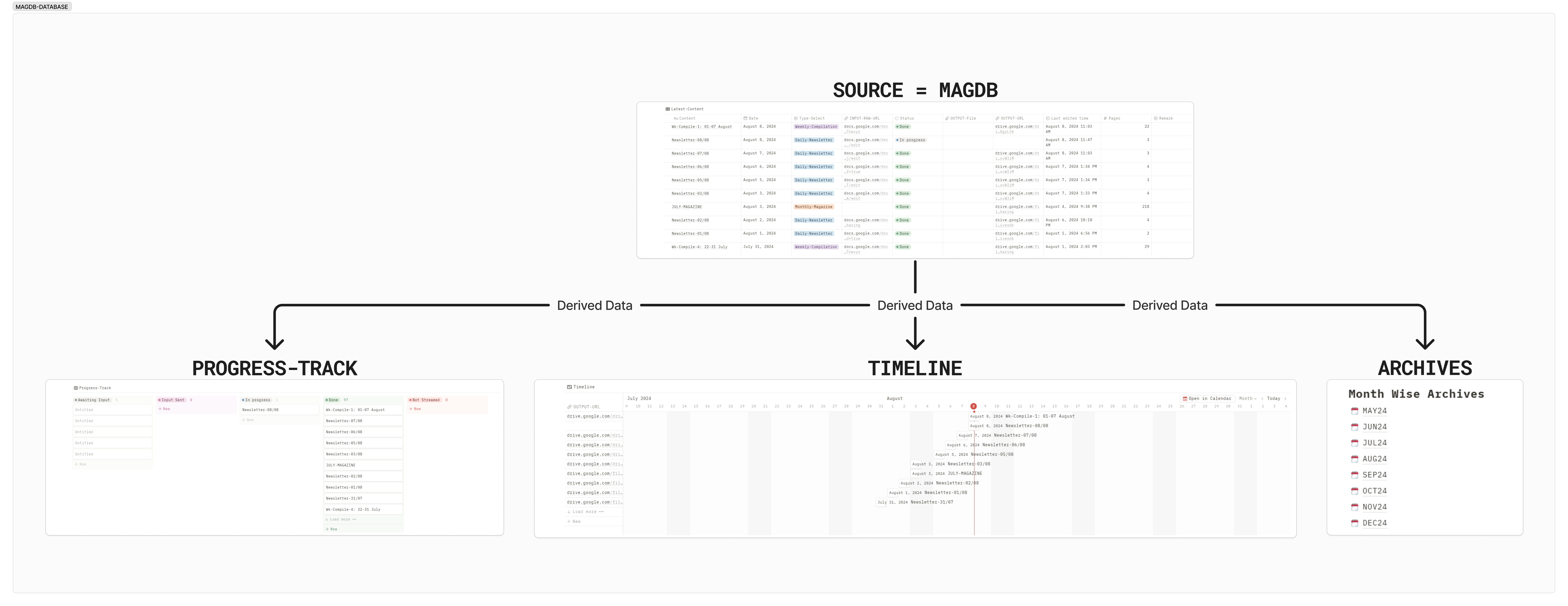
Structure of Database:
https://drive.google.com/file/d/1qbaAXVQVGL6Yy111mBkLN4dC7EtmqCY5/view?usp=drive_link
Elements of MAG-DB:
Main Database: MAG-DB
The core of this page is a database named “MAG-DB”. This database is used to manage magazine content and is visualized in multiple ways:You only need to edit the “Latest-Content” View of MAG-DB, Other Child Views will be automatically updated.
Database Views
The MAG-DB database is presented in three different views: These views offer different perspectives on the same data, tailored for specific needs:- Latest-Content: Shows the most recent entries.
- Progress-Track: Monitor the status of various content pieces.
- Timeline: A chronological view of publication dates.
Database Properties
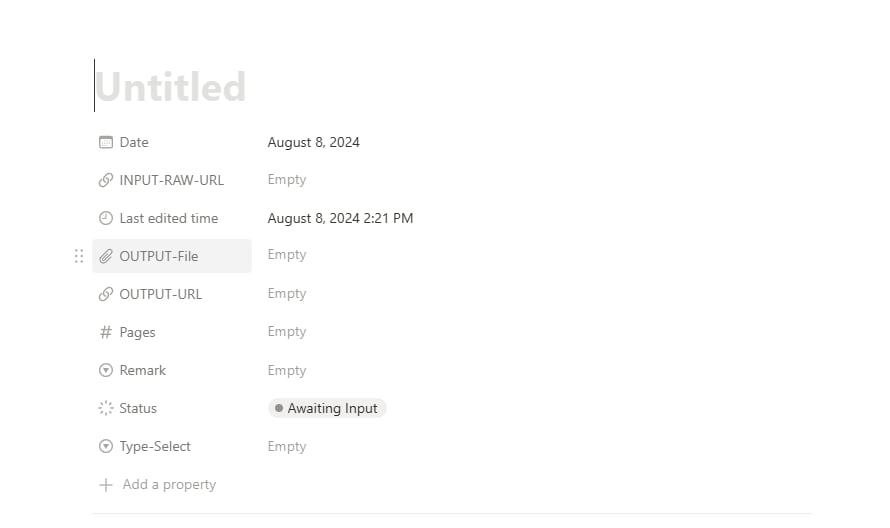
- Content: Name of the content for page entry in MAG-DB.
- Date: The date associated with the entry of data.
- Type-Select: For content type categorization (Daily/Weekly/Monthly/Special)
- INPUT-RAW-URL: Link to Google Docs file
- Status: Display Current Progress (Await Input/Input Sent/In Progress/Not Streamed/Done)
- OUTPUT-File: Used only when there’s an error in Drive File Upload. (<5mb)
- OUTPUT-URL: Link to uploaded PDF in Final Drive Folder.
- Last edited time: Tracks when the entry was last modified
- Pages: To track page count
- Remark: Additional notes (Late-Input/Evening-Stream/Under-Revision)
Monthly Archives
The page includes a section for monthly archives. Each month is represented as a child page. These child pages contain content specific to each month, allowing for easy organization and access to month-based information.Create Entry in MAGDB
On Top of the Page, you’ll find a Green Coloured Button.